
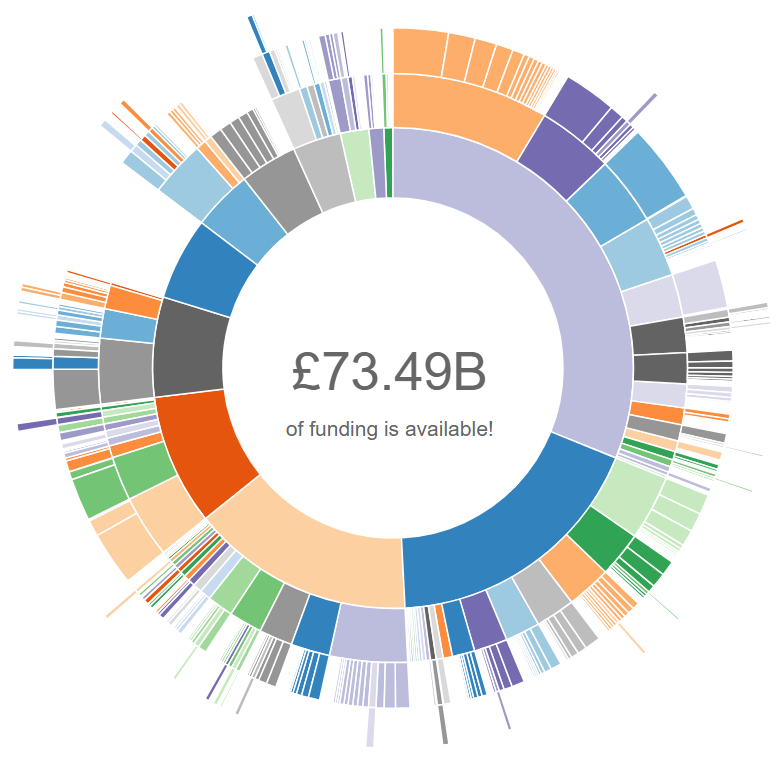
The University of Worcester provides all staff with access to Pivot-RP – a searchable database of research funding opportunities.
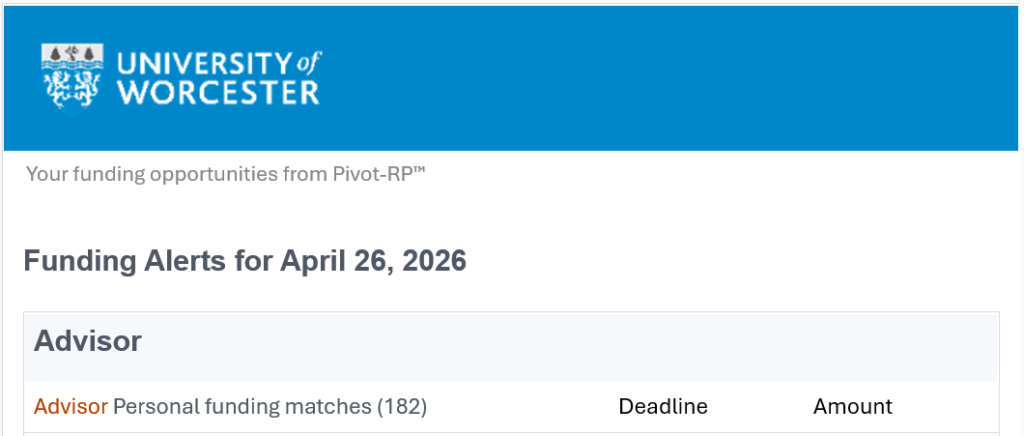
Pivot-RP is a new and improved version of Research Professional, with enhanced functionality designed to save time and increase the likelihood of finding suitable funding opportunities. This includes receiving a weekly funding opportunities newsletter uniquely matched to your research profile.
Users can also:
- track and share specific funding opportunities
- identify potential collaborators
- view previously awarded grants
- search for opportunities to disseminate research through conferences and special journal issues
GETTING STARTED
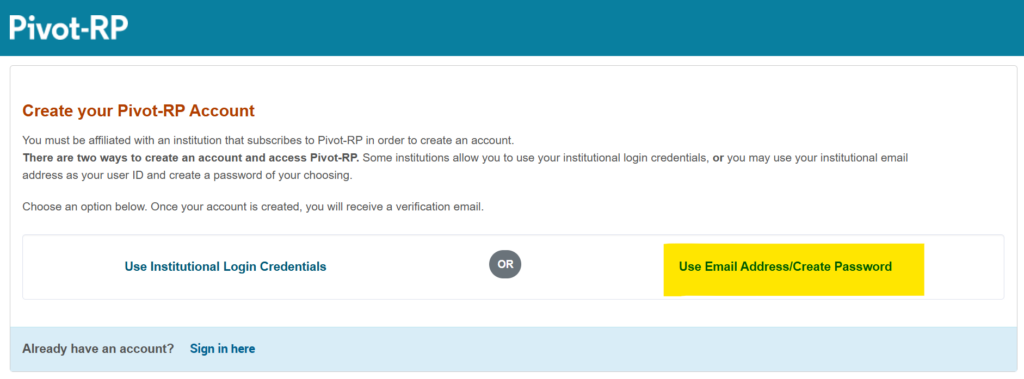
Create an account here by selecting the ‘Use Email Address / Create Password’ option (this must be your institutional email address but does not have to be the same password).
Note that existing user accounts for Research Professional are not automatically transferred to Pivot-RP. All users will need to create new user accounts in Pivot-RP.
Once you have created an account and logged in, you will be prompted to ‘claim your profile’. In practice, this links your Pivot-RP account to information about your real-world research profile (including biographical information, publications and previously awarded grants) for the purpose of generating bespoke funding opportunity information relevant to your personal research activity and interests.
In most cases, Pivot-RP will use publicly available information to create and populate a profile ready for you to claim, but users can and should edit these to ensure they are accurate. If you can’t find an automatically generated profile to claim, a profile can easily be created from scratch.
Claiming/creating a profile is essential for unlocking bespoke funding opportunity information, receiving relevant funding alerts, and identifying potential collaborators.
TRAINING AND GUIDANCE
The Pivot-RP Knowledge Centre has a wealth of training and guidance materials, including several bitesize video tutorials covering everything users need to know to get started with Pivot-RP:
- Setting up your account and claiming your profile (4 mins): This video explains how to create a new account in Pivot-RP, and how to claim your Pivot-RP Profile. These are the first steps you must take to use Pivot-RP to find funding opportunities.
- Updating your Pivot-RP profile (7 mins): This video explains how to update your Pivot-RP profile. Get increased funding matches targeted to you, get discovered as a potential collaborator, and get relevant funding alerts directly to your inbox.
- Basic searching for funding opportunities (4 mins): This video explains how to search for and browse funding opportunities using the basic search system in Pivot-RP.
- Advanced searching for funding opportunities (5 mins): This video explains how to use pre-search filters to find funding opportunities in Pivot-RP.
- Navigating funding search results (6 mins): This video explains how to navigate Pivot-RP’s Funding Results page, which appears when you conduct either a Basic Search or an Advanced Search.
- Managing funding opportunities (5 mins): This video explains how to manage funding opportunities in Pivot-RP, including keeping track of interesting opportunities, working with saved searches, and monitoring opportunities you’ve shared with other researchers.
- Discovering Pivot-RP Profiles (4 mins): This video explains how to use the Profile Discovery tool in Pivot-RP to search for potential collaborators at your institution and beyond, and see links to recommended funding opportunities for collaboration scenarios.
- Awarded grants (3 mins): This video explains how to find grants and projects that were previously awarded. You can search by funder, by recipient, or by any other keyword.
- Conferences and calls for papers (2 mins): This video explains how researchers can use Pivot-RP to search for current conferences and special journal issues where they can present their work.
A lengthier third-party demonstration recording can also be viewed below, while written guides are also available in the ‘Product Documentation’ section of the Pivot-RP Knowledge Centre.
Already have an account? Try a simple search using the widget below!